

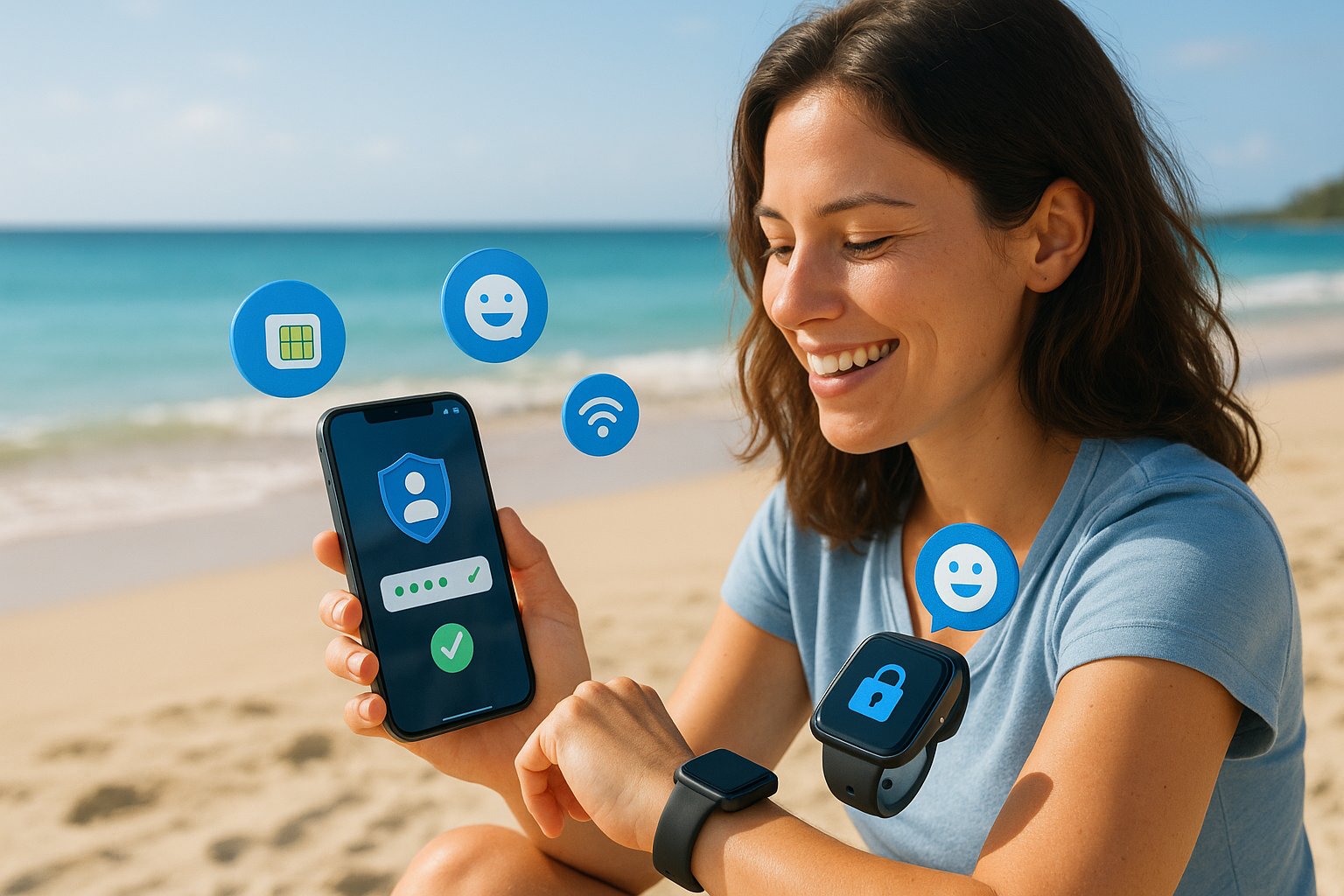
Working remotely often means connecting from cafés, coworking spaces, hotels, airports, and client offices. That flexibility is empowering—but it also creates security and privacy challenges. Public Wi-Fi can be unreliable, shared networks may expose your data, and switching between local SIM cards can leave you juggling unfamiliar providers and settings. With the right approach, you can protect your work communications while staying connected wherever business takes you. Here’s how an eSIM for business communications can help you build a safer, simpler remote-work setup with eSIM m8.
1. Recognise the risks of staying connected on the move
The first step is understanding where your connection may be vulnerable. Public Wi-Fi networks are convenient, but you often cannot confirm who operates them or who else is connected. Cybercriminals can create networks with convincing names or attempt to intercept unprotected traffic.
Using an unsecured connection for email, messaging, file sharing, or business platforms can put sensitive information at risk. Roaming charges can also encourage remote workers to rely on free Wi-Fi more often than they should. When you are trying to meet a deadline from a new location, convenience can easily take priority over security.
2. Use mobile data instead of unknown Wi-Fi
A practical way to reduce exposure is to use a trusted mobile data connection whenever possible. An eSIM lets you download a mobile plan directly to a compatible device, so you do not need to find a physical SIM card or depend entirely on public networks.
With eSIM m8, you can choose a suitable data plan before travelling and connect through supported local networks in your destination. This gives you a more controlled connection for essential work activities such as checking company email, joining video calls, accessing cloud applications, and sending documents.
Tip: Keep Wi-Fi switched off when you do not need it, especially in crowded public areas. Your device can then use mobile data as the default connection instead of automatically joining a familiar-looking network.
3. Separate work and personal connectivity
Remote workers often use one phone for everything. That is convenient, but it can make it harder to manage data usage, privacy, and business communications. Many modern devices support dual SIM functionality, allowing you to keep your primary number active while using an eSIM for travel or work data.
This separation can help you avoid changing your main SIM, missing important calls, or sharing your personal number unnecessarily. It also gives you greater control over which line handles data and which one is used for calls or messages. Before travelling, review your device settings and label each plan clearly—for example, “Personal” and “Work Travel.”
4. Combine your eSIM with essential security habits
An eSIM improves how you connect, but it should be part of a wider security routine. Use strong, unique passwords for work accounts and enable multi-factor authentication wherever it is available. Keep your operating system, browser, VPN, and business applications updated to reduce the risk of known vulnerabilities.
A VPN can add another layer of protection by encrypting traffic between your device and the VPN provider. It is especially useful when you must use public Wi-Fi. However, a VPN does not replace good password practices, device security, or a trusted data connection. Think of it as one part of a complete protection plan.
You should also enable a screen lock, avoid leaving devices unattended, and back up important work files securely. If your phone or laptop is lost, remote-lock and remote-wipe features may help protect company information.
5. Prepare your connection before you travel
One of the biggest remote-work challenges is discovering a connectivity problem at the worst possible moment—just before a client call or while submitting an important file. Set up your eSIM before departure, while you still have a reliable internet connection. Check that your device is unlocked and compatible with eSIM technology, then follow the activation instructions provided with your plan.
It is also worth downloading key documents for offline access, saving emergency contact details, and testing your mobile data connection before you need it. If you are travelling across multiple countries, choose a plan that matches your route so you can avoid repeatedly searching for new connectivity options.
6. Make security easier for your whole team
For businesses with distributed teams, consistent connectivity can support better security practices. Instead of asking employees to rely on unknown networks or purchase local SIMs independently, companies can provide clear guidance and suitable mobile data options.
An eSIM for business communications can make it easier for remote employees to stay connected across locations while reducing the pressure to use risky public Wi-Fi. Teams can establish simple policies for travel, data usage, approved apps, and reporting lost devices. The result is a smoother experience for employees and greater visibility for the business.
Remote work should give you freedom—not force you to choose between productivity and privacy. By using mobile data through a trusted eSIM, separating work connectivity, and following everyday security practices, you can handle the challenges of working on the move with more confidence. eSIM m8 helps remote workers and businesses stay connected across borders with flexible digital connectivity designed for modern work. Explore our services and find a smarter way to protect your connection wherever business takes you.


